
01
Upload your image
Upload your logo file in PNG, JPG, WEBP, GIF, or BMP format.
Upload your logo image and convert it into a scalable SVG in seconds. Preview first, then download when the result looks right.
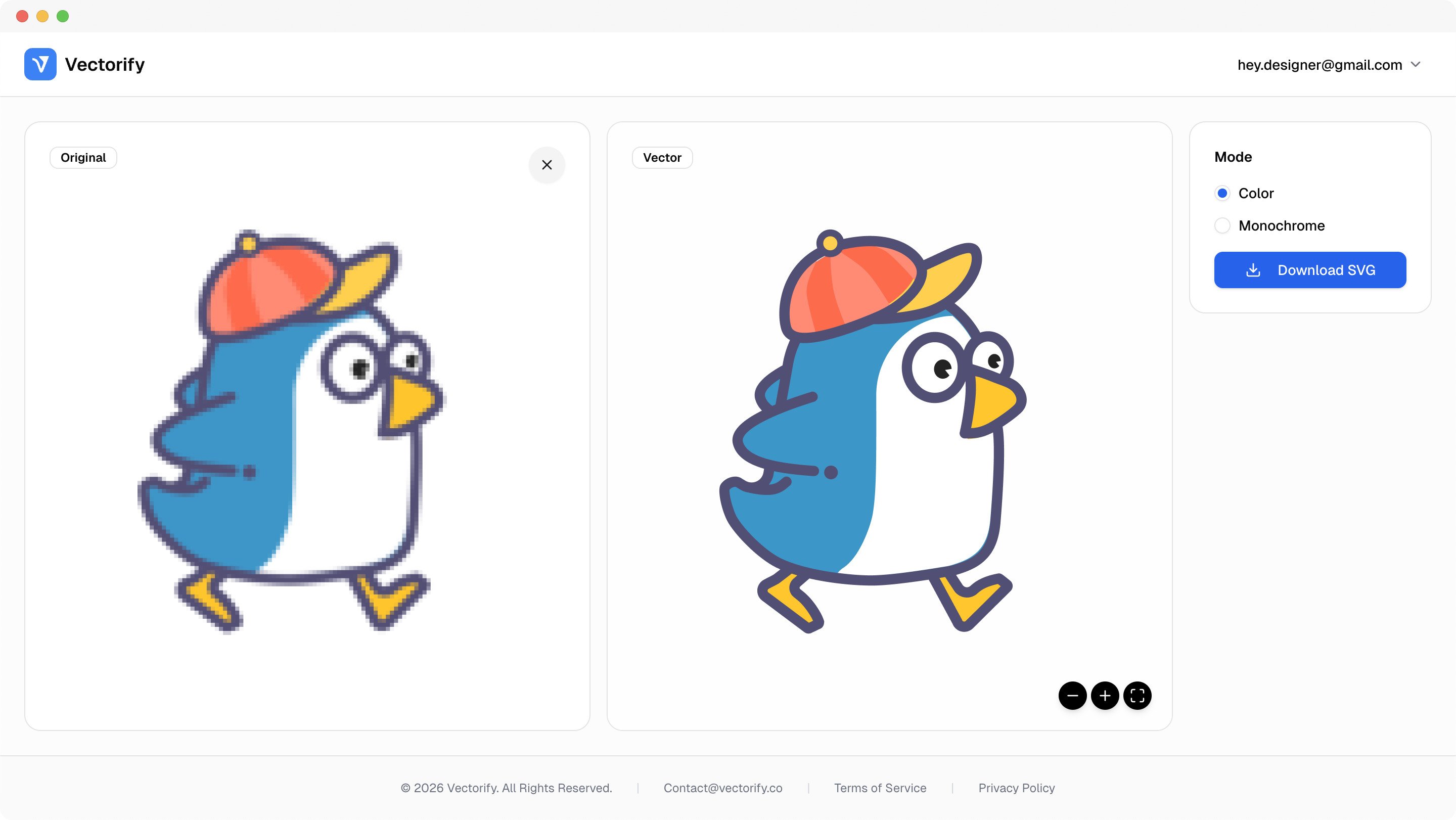
Get production-ready SVGs in three simple steps.
Upload your logo file in PNG, JPG, WEBP, GIF, or BMP format.
Vectorify traces logo shapes and colors into clean scalable paths.
vectorizing..
Preview the logo result and download an editable SVG when ready.


Most logo files fail where it matters: blurry headers, rough print exports, and tedious cleanup before design handoff.
Logo looks blurry on retina and high-resolution screens
Raster logo breaks quality in print and large formats
Manual redrawing takes too long before delivery
Built for clean conversions where vector quality and scalable output matter.
Brand logo scaling
Website header logos
Print-ready logo exports
Pay as you go with one-time credit packs.
$3
5 credits
5 downloads
$6
25 credits
25 downloads
$9
50 credits
50 downloads
Yes, but cleaner and higher-resolution logos usually produce better vector paths. Blurry inputs can create rough edges.
Vectorify keeps major color regions, but highly complex gradients may be simplified during conversion.
Yes. The exported SVG is editable in vector tools like Figma and Adobe Illustrator.
No. You can upload and preview first. Credits are only used when you download a new SVG result.