
01
Upload your image
Upload a PNG file with clear edges and readable shapes.
Turn PNG files into editable SVG vectors in seconds. Upload your image, preview the result, and export when it looks right.
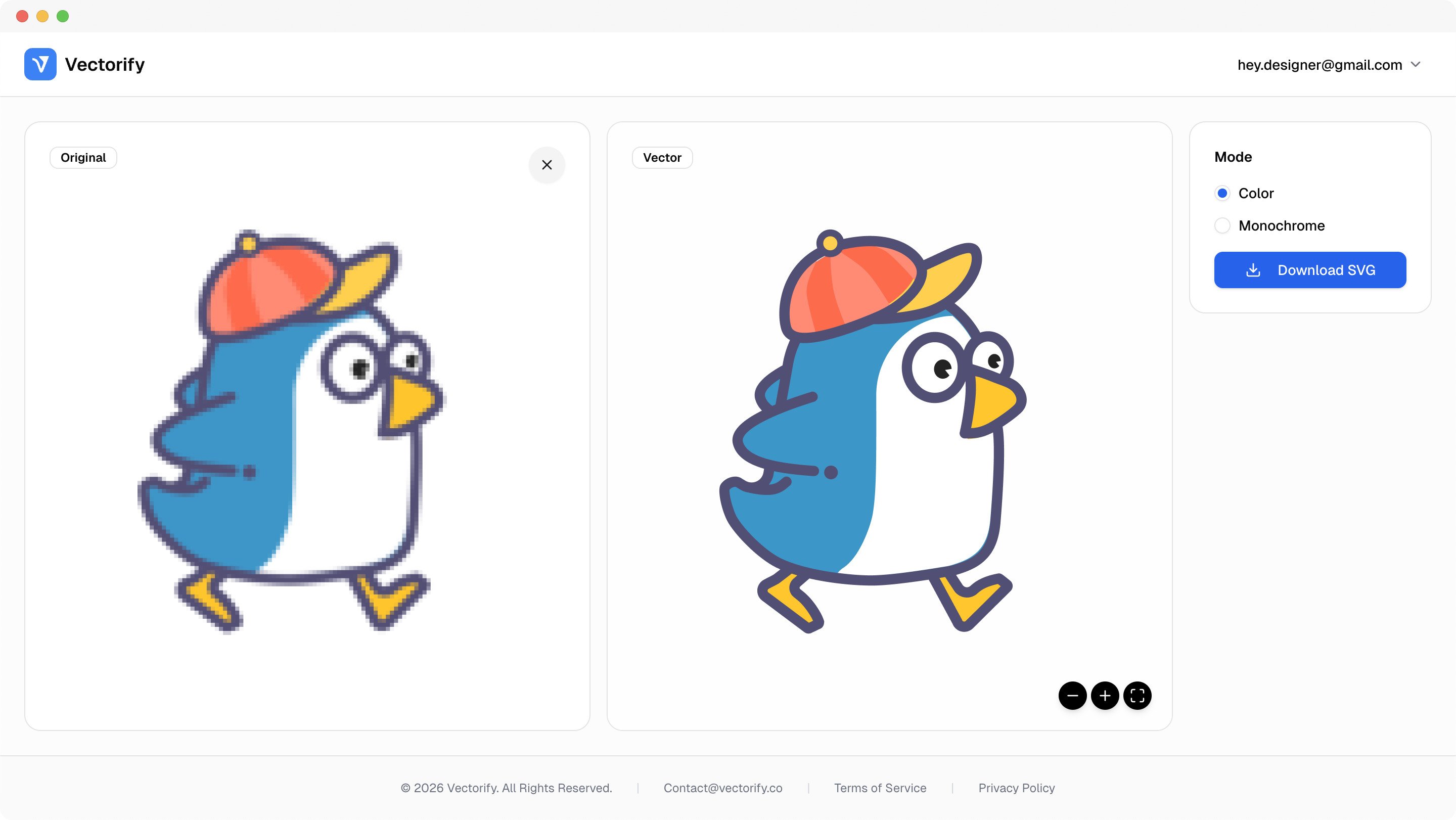
Get production-ready SVGs in three simple steps.
Upload a PNG file with clear edges and readable shapes.
Vectorify traces the image into scalable paths while preserving key structure.
vectorizing..
Preview the result, then download your SVG when ready.


PNG assets often become a bottleneck when teams need cleaner scaling, editable output, and faster handoff.
PNG assets lose sharpness when resized across breakpoints
Designers need editable vectors instead of flat raster files
Teams waste time testing output quality before delivery
Built for clean conversions where vector quality and scalable output matter.
Logo cleanup
Icon conversion
Simple illustrations
Cricut-ready SVG prep
Pay as you go with one-time credit packs.
$3
5 credits
5 downloads
$6
25 credits
25 downloads
$9
50 credits
50 downloads
Yes. PNG uploads are fully supported, including transparent PNG files, and are one of the most common formats for logo and icon conversion.
It works for both. Logos and icons usually produce cleaner paths, while photos can convert well but often create more complex SVG output.
Yes. PNG-to-SVG conversion is a common workflow for icon sets and interface assets that need sharp scaling.
Credits are charged only when you download a new SVG. Uploading and previewing are available before download.
Yes. Transparent PNG files are supported and transparency is preserved in the conversion flow. Cleaner edges usually produce smoother vector contours.