
01
Upload your image
Upload your JPG image from local files.
Upload a JPG and convert it into an SVG that stays sharp at any size. Preview before you spend credits.
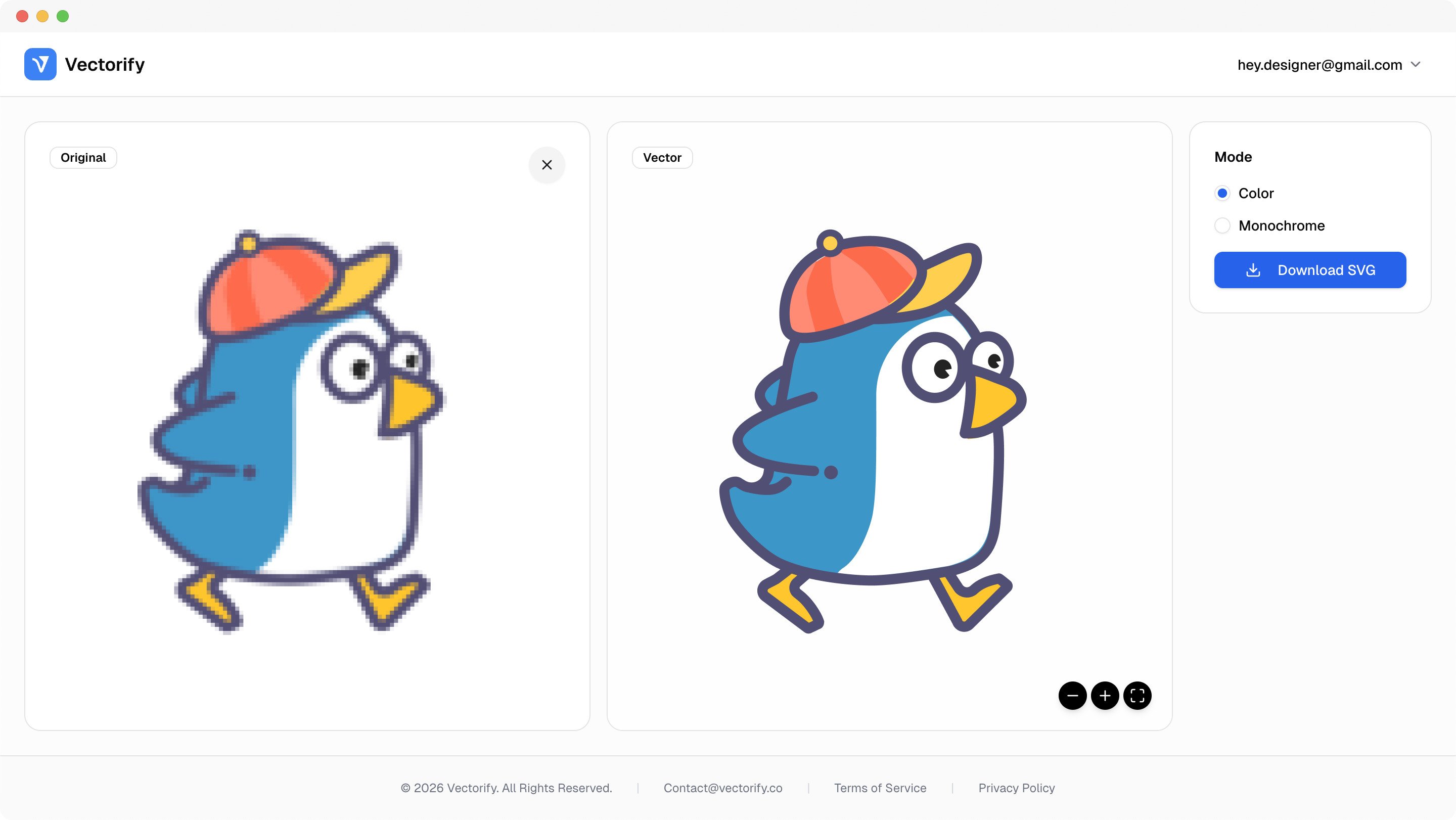
Get production-ready SVGs in three simple steps.
Upload your JPG image from local files.
Vectorify analyzes color regions and edges to generate SVG paths.
vectorizing..
Check the preview and download if the result matches your goal.


JPG files are common in legacy workflows, but they are painful to reuse when you need crisp scalable graphics.
JPG compression artifacts reduce visual quality in final assets
Repeated exports create inconsistent sizing across channels
Manual tracing slows down fast-turn marketing requests
Built for clean conversions where vector quality and scalable output matter.
Brand assets
Web icons
Design handoff files
Pay as you go with one-time credit packs.
$3
5 credits
5 downloads
$6
25 credits
25 downloads
$9
50 credits
50 downloads
Yes. Output files are standard SVG and can be edited in Figma, Illustrator, and other vector tools.
Not always. Flat graphics convert best. Noisy or heavily compressed images may require extra cleanup.
Yes, especially for simple graphics. SVG scales better for print layouts than fixed-size JPG files.
No desktop software is required for conversion. You can convert online, then edit the SVG later if needed.