
01
Upload your image
Upload your raster image (PNG, JPG, WEBP, GIF, or BMP).
Transform raster graphics into editable vectors with a fast upload-to-preview workflow. Export SVG when you're satisfied.
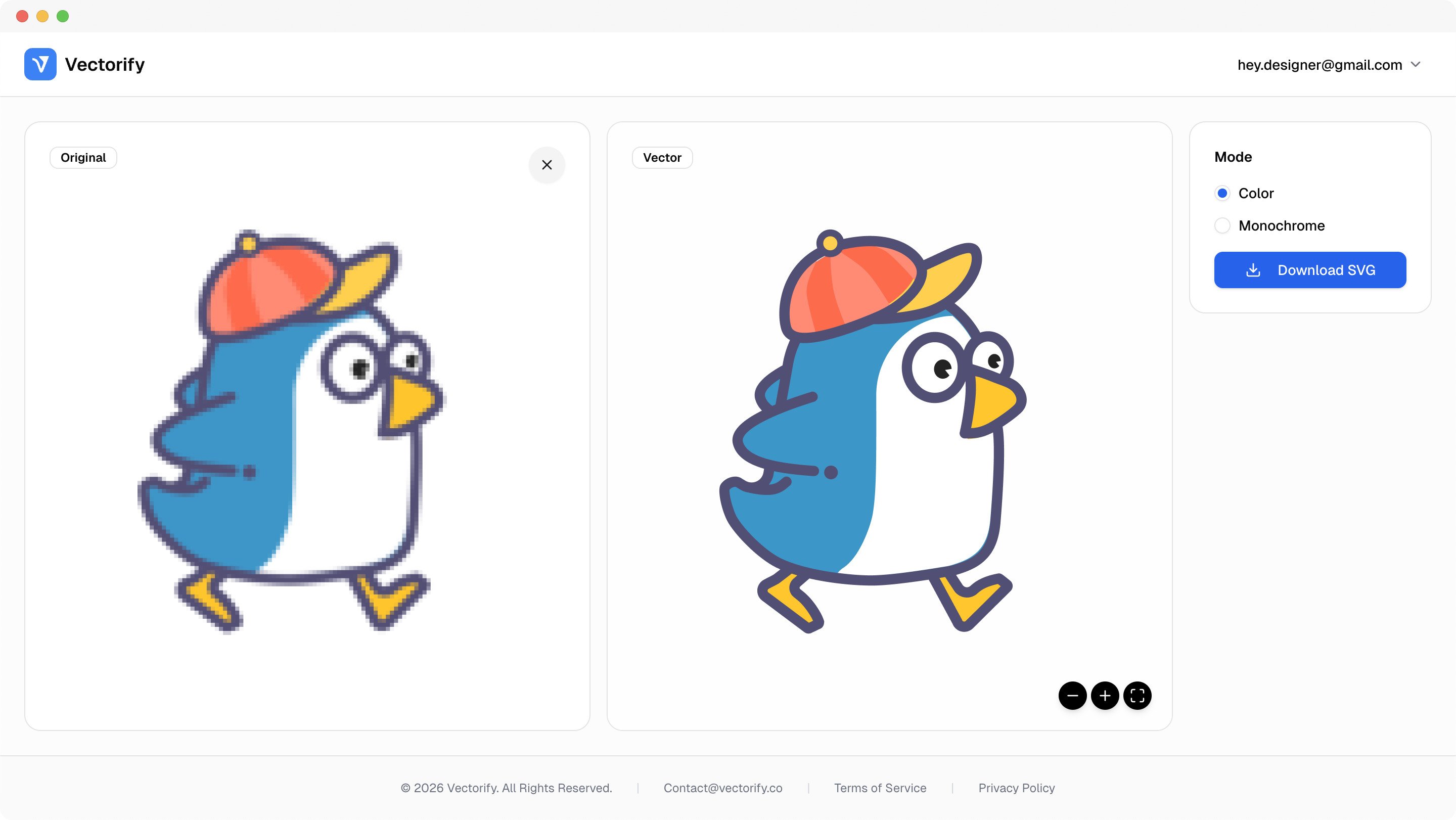
Get production-ready SVGs in three simple steps.
Upload your raster image (PNG, JPG, WEBP, GIF, or BMP).
Vectorify traces shapes and color regions into scalable vector paths.
vectorizing..
Preview the result and download an editable SVG when it looks right.


Raster-to-vector work is often slow and inconsistent, especially when assets must scale cleanly for production.
Raster files pixelate in responsive and print contexts
Manual cleanup introduces delays and inconsistency
Teams cannot validate final quality before paying
Built for clean conversions where vector quality and scalable output matter.
Logo tracing
Icon vectorization
Marketing asset resizing
Pay as you go with one-time credit packs.
$3
5 credits
5 downloads
$6
25 credits
25 downloads
$9
50 credits
50 downloads
It is the process of converting pixel-based images into scalable vector paths that can be resized without blur.
No. Vectorify automates conversion and lets you review the result before downloading.
Vectors scale cleanly without pixelation, which makes them better for print, responsive UI, and large-format usage.
Not always. Vector conversion simplifies pixel data into paths, so best results come from clean, high-contrast source graphics.