
01
Upload your image
Upload your source image from local files.
Prepare laser-cutting SVG artwork faster by converting raster images into clean scalable vector paths.
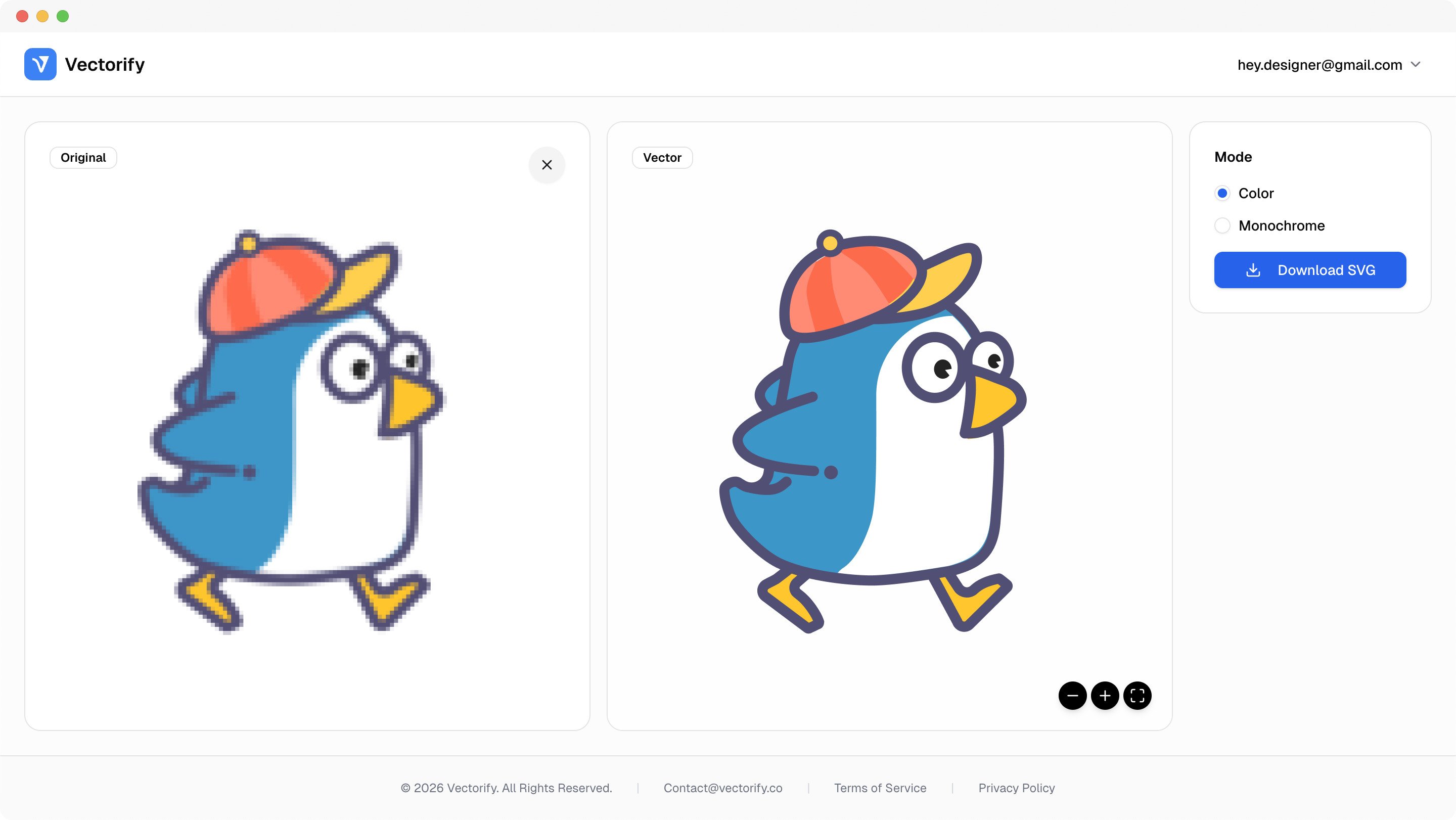
Get production-ready SVGs in three simple steps.
Upload your source image from local files.
Vectorify traces edges and color regions into SVG paths.
vectorizing..
Preview quality and download when the result is ready.


Laser workflows break down when source files contain noisy edges or unclear boundaries. This converter helps produce cleaner vectors before export.
Noisy contours create unreliable cut lines
Raster images are hard to reuse across material sizes
Manual tracing is too slow for repeated production tasks
Built for clean conversions where vector quality and scalable output matter.
Laser cutting prep
Engraving-ready shape artwork
Simple production stencil graphics
Pay as you go with one-time credit packs.
$3
5 credits
5 downloads
$6
25 credits
25 downloads
$9
50 credits
50 downloads
Yes. Vectorify exports standard SVG files and is useful for preparing cleaner shape-based artwork for laser workflows.
PNG, JPG, WEBP, GIF, and BMP are supported as source formats.
Credits are used only when downloading a new SVG. Upload and preview happen before that step.
Sometimes. Very noisy inputs can still require extra cleanup, but clear high-contrast graphics usually convert cleanly.