
01
Upload your image
Upload your graphic in a supported raster format.
Turn graphic files into vector SVG quickly. Ideal for logos, icons, and simple illustrations that need clean scaling.
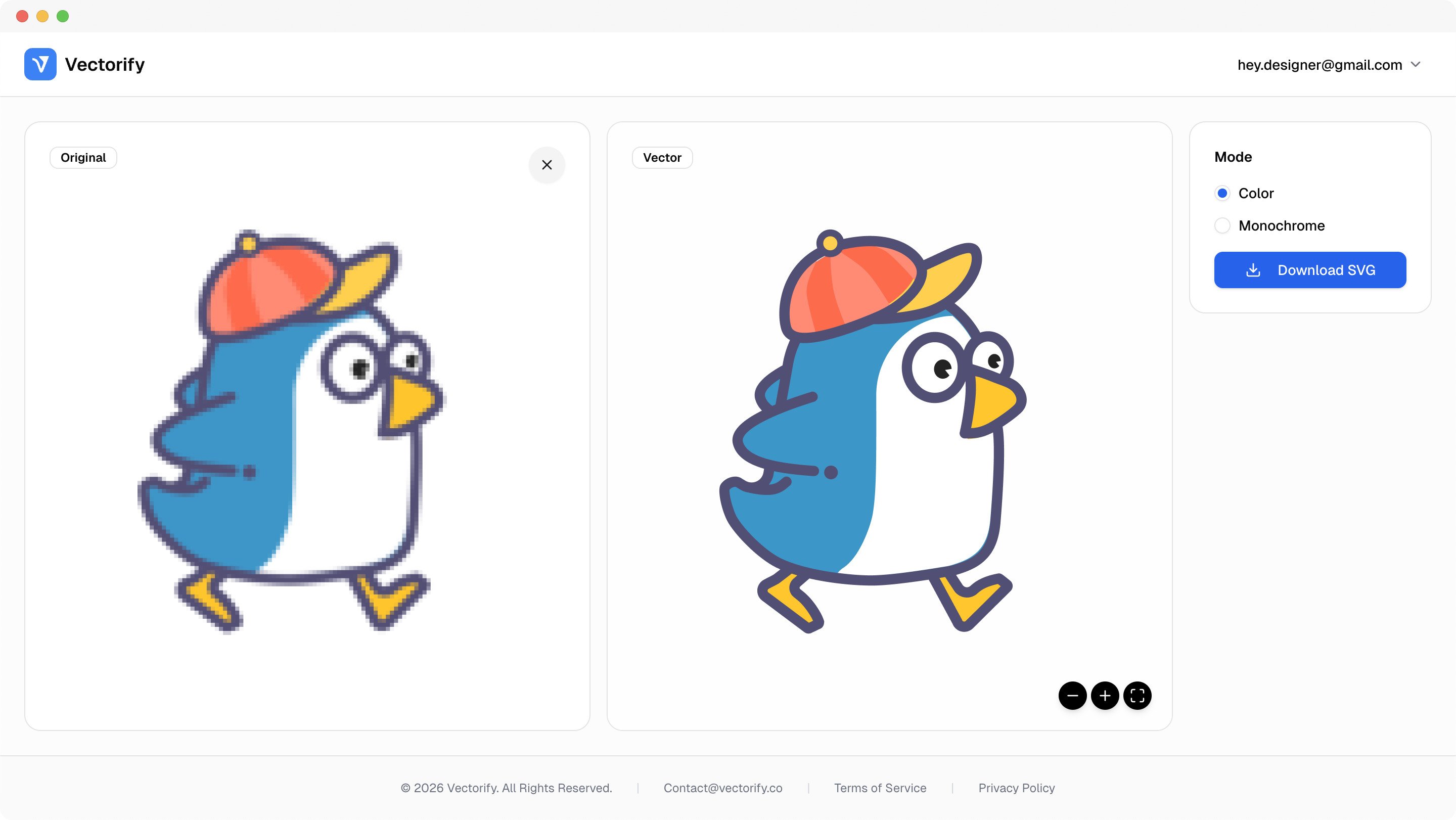
Get production-ready SVGs in three simple steps.
Upload your graphic in a supported raster format.
Vectorify converts the graphic into SVG path output.
vectorizing..
Preview quality and download when ready.


Graphic assets are often delivered in raster formats, which slows reuse when teams need scalable editable files.
Graphic files are hard to repurpose across channels
Raster graphics lose quality when resized
Teams need vector output without manual recreation
Built for clean conversions where vector quality and scalable output matter.
Marketing graphic reuse
Icon and badge assets
Brand collateral updates
Pay as you go with one-time credit packs.
$3
5 credits
5 downloads
$6
25 credits
25 downloads
$9
50 credits
50 downloads
Logos, icons, and high-contrast illustrations with clear edges usually produce the cleanest vector output.
Yes. Conversion works well for simple social graphics, especially when source quality is good.
Yes. SVG output is resolution-independent and stays sharp when scaled.
Yes. Exported SVG files can be edited in Figma, Illustrator, and similar vector tools.