
01
Upload your image
Upload your JPG source image.
Upload JPG graphics and convert them into scalable SVG vectors. Great for logo and icon style assets.
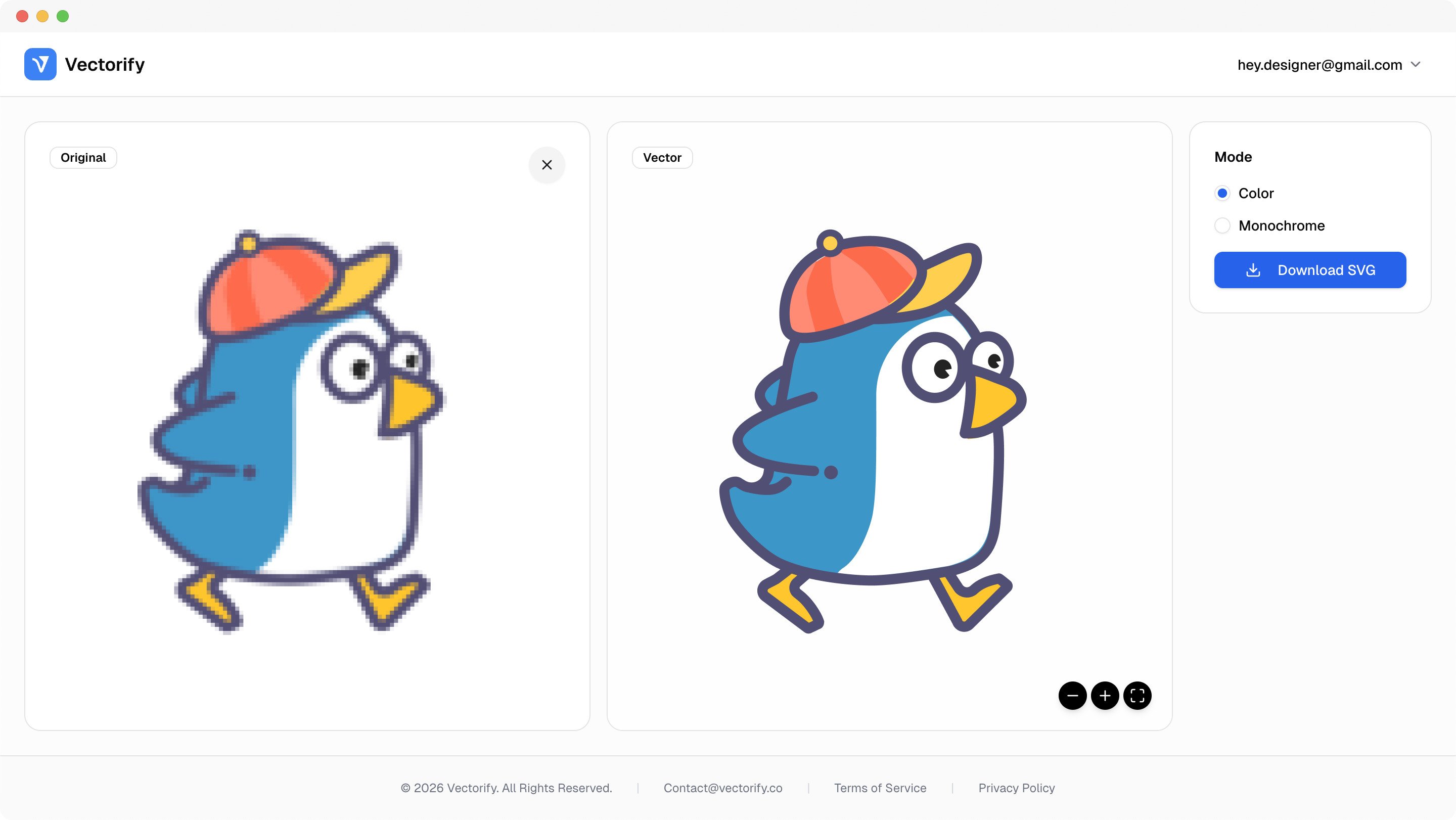
Get production-ready SVGs in three simple steps.
Upload your JPG source image.
Vectorify extracts shape and color boundaries into vector paths.
vectorizing..
Preview and export as SVG for editing and scaling.


JPG-to-vector jobs often start with imperfect source files, so teams need a converter that is fast and practical.
Legacy JPG assets are hard to reuse in scalable design systems
Low-quality inputs need better conversion tolerance
Design handoff stalls when vectors are unavailable
Built for clean conversions where vector quality and scalable output matter.
Legacy logo files
Marketing graphics
Social media assets
Pay as you go with one-time credit packs.
$3
5 credits
5 downloads
$6
25 credits
25 downloads
$9
50 credits
50 downloads
Low quality inputs can reduce output quality. Cleaner source images generally produce better vectors.
Yes. Cleaner screenshots usually produce tidier paths, while highly detailed screenshots may generate more complex SVG output.
Yes. Cleaner JPG inputs usually produce smoother paths and more accurate vector output.
Yes. The exported SVG can be imported and edited in Figma and other vector editors.