
01
Upload your image
Upload your raster source image.
Need vector output from a raster image? Upload your source file and convert it into an editable SVG in a few clicks.
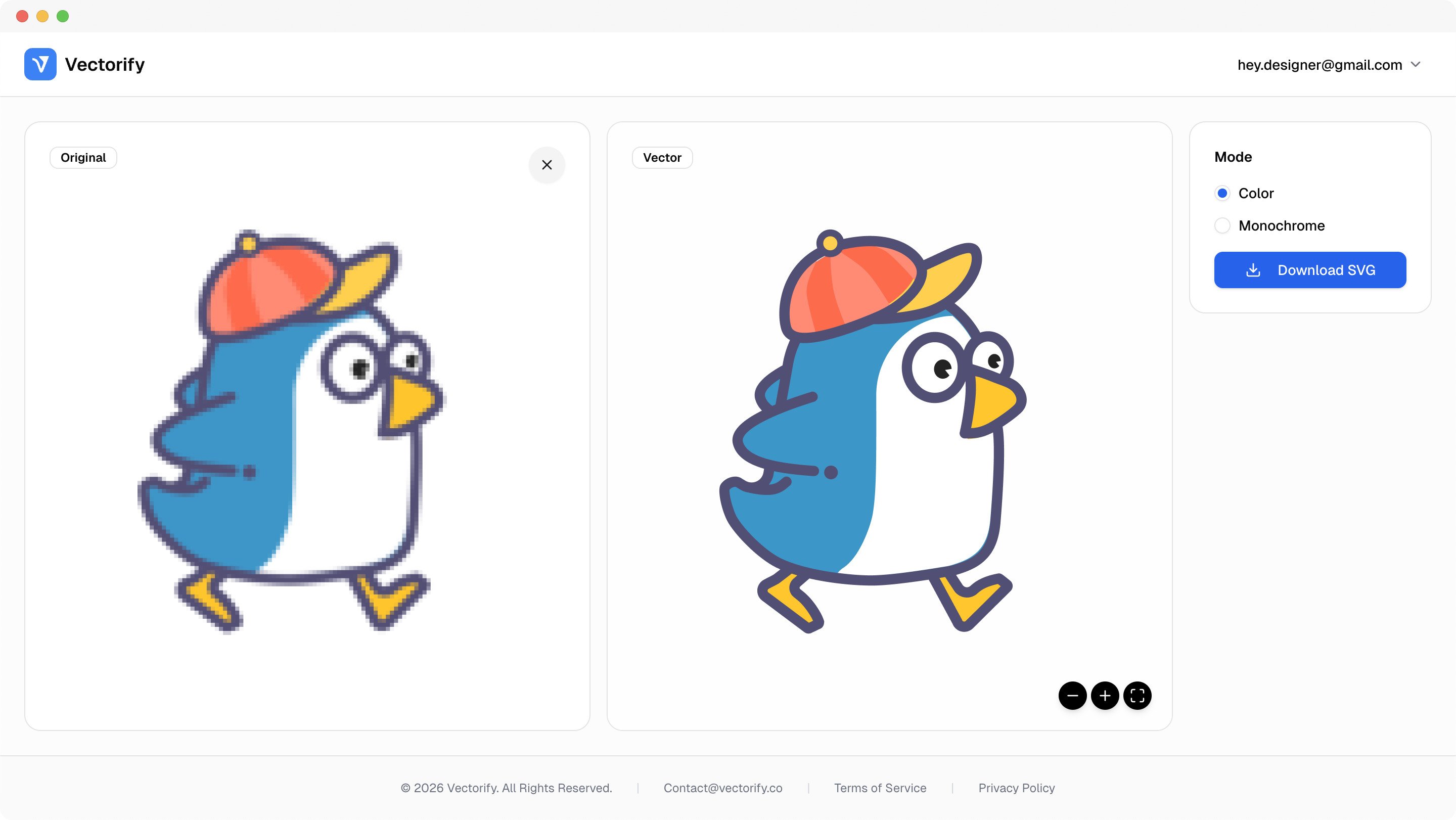
Get production-ready SVGs in three simple steps.
Upload your raster source image.
Vectorify processes the file into clean vector paths.
vectorizing..
Preview and download your SVG only when ready.


Generic convert-to-vector intent usually means one thing: users need a reliable path from raster input to production-ready SVG.
Current tools feel too technical for quick conversions
Output format and quality are hard to predict in advance
Teams overpay when conversion quality is uncertain
Built for clean conversions where vector quality and scalable output matter.
Design handoff
Print scaling
Web asset optimization
Pay as you go with one-time credit packs.
$3
5 credits
5 downloads
$6
25 credits
25 downloads
$9
50 credits
50 downloads
You can start by uploading and previewing. Authentication is required when needed in the download flow.
No subscription is required. Vectorify uses one-time credit packs.
Yes. You can preview conversion results before downloading and using a credit.
The output format is SVG, which is scalable and editable in standard vector tools.