
01
Upload your image
Upload a supported image format (PNG, JPG, WEBP, GIF, BMP).
Use Vectorify to transform raster images into scalable SVG. Start from PNG or JPG, review the preview, then download.
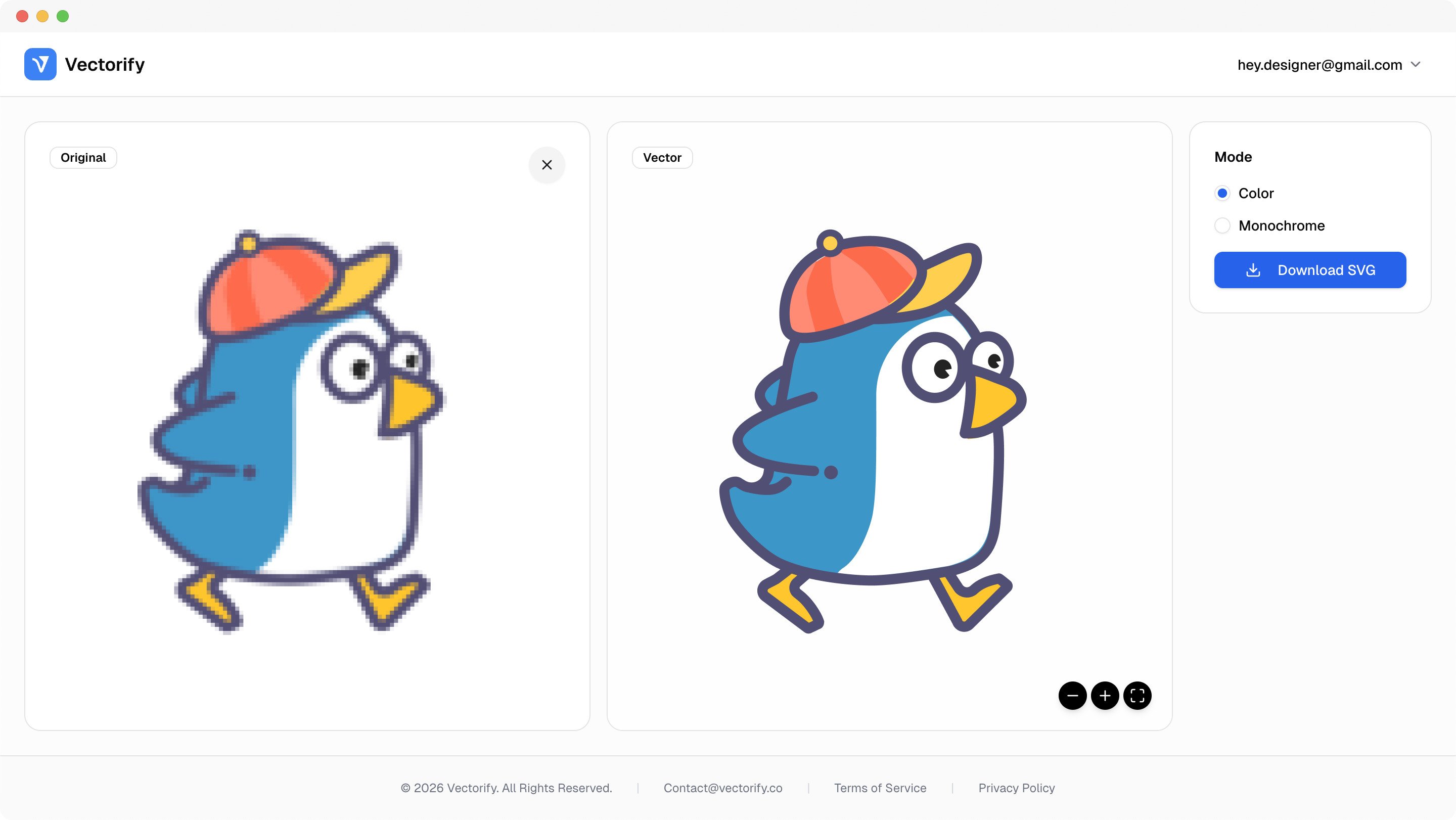
Get production-ready SVGs in three simple steps.
Upload a supported image format (PNG, JPG, WEBP, GIF, BMP).
Vectorify transforms pixel data into scalable vector paths.
vectorizing..
Preview quality and export SVG when satisfied.


Mixed-format image pipelines usually break consistency: teams need one predictable path to editable SVG output.
Different file formats require different conversion workflows
Output quality varies between tools and manual methods
Handoff gets delayed when vectors are not immediately usable
Built for clean conversions where vector quality and scalable output matter.
Website graphics
Print-ready assets
Design system icons
Pay as you go with one-time credit packs.
$3
5 credits
5 downloads
$6
25 credits
25 downloads
$9
50 credits
50 downloads
PNG, JPG, WEBP, GIF, and BMP are supported as input formats. Transparent PNG uploads are supported as well.
A credit is used only when you download a new SVG result. Previewing does not consume credits.
Yes. GIF and WEBP are accepted as inputs along with PNG, JPG, and BMP.
Yes. Exported SVG files can be edited in vector tools such as Figma and Illustrator.