
01
Upload your image
Upload PNG, JPG, WEBP, GIF, or BMP artwork.
Create Cricut-ready SVG files from raster images using a fast upload-to-preview flow. Check the result before you download.
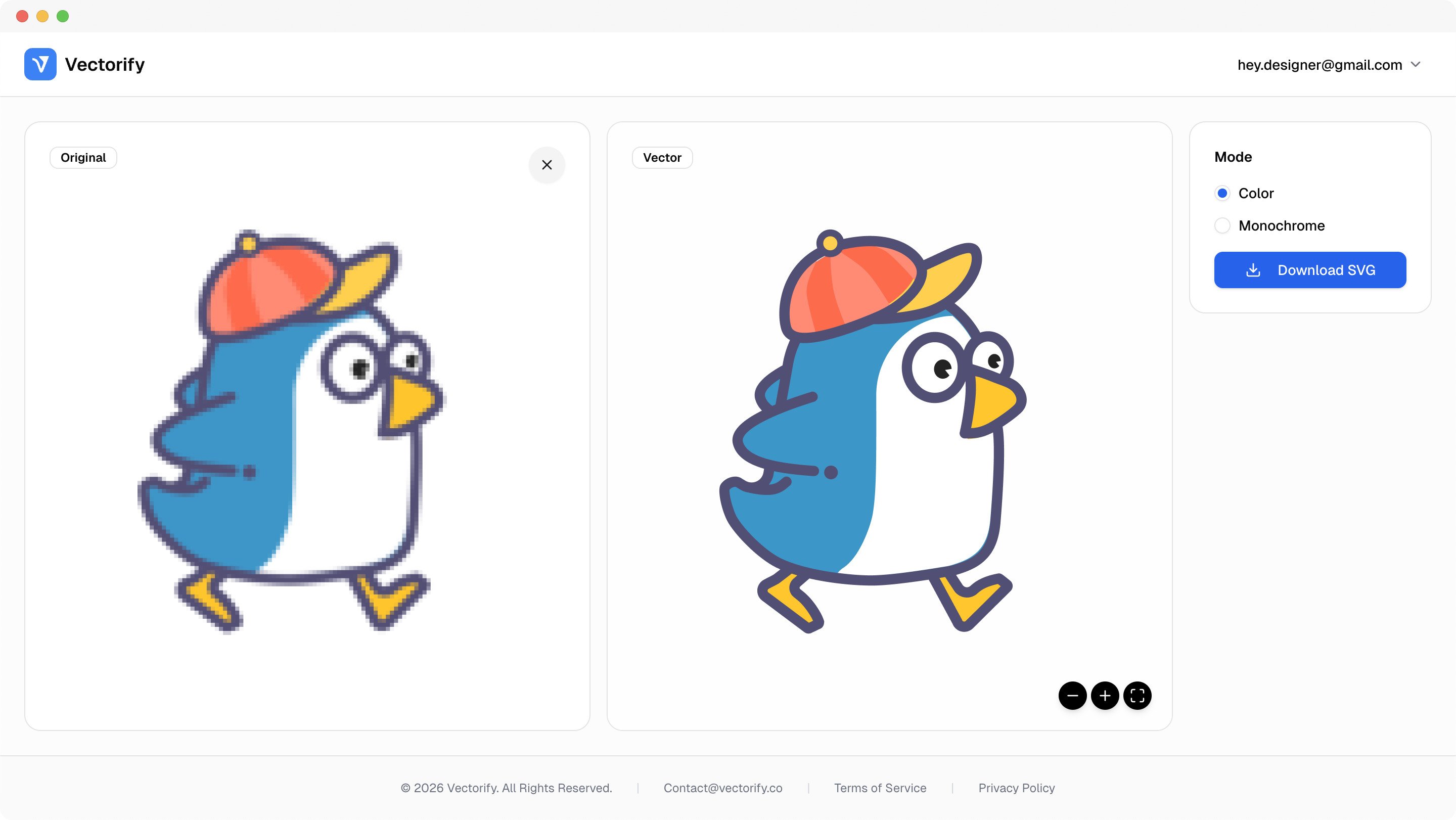
Get production-ready SVGs in three simple steps.
Upload PNG, JPG, WEBP, GIF, or BMP artwork.
Vectorify converts edges and shapes into scalable SVG paths.
vectorizing..
Preview quality and download when the file is ready for your workflow.


Cricut projects often fail on rough edges and messy paths. This page focuses on cleaner SVG output from common source images.
Imported files create extra nodes and uneven cut paths
Low-quality source images produce jagged contour edges
Too much manual cleanup before opening in Design Space
Built for clean conversions where vector quality and scalable output matter.
Cricut Design Space workflows
Vinyl decal graphics
Simple craft logo cut files
Pay as you go with one-time credit packs.
$3
5 credits
5 downloads
$6
25 credits
25 downloads
$9
50 credits
50 downloads
Yes. Exported files are standard SVG and can be used in Cricut Design Space workflows.
Simple high-contrast logos and icon-style graphics usually produce the cleanest cut-friendly vector output.
Yes. Upload and preview first. A credit is used only when downloading a new SVG result.
You can use Vectorify preview and then continue editing the SVG in tools like Figma or Illustrator if needed.