
01
Upload your image
Upload your image file from browser.
Need an alternative workflow to Vector Magic? Vectorify focuses on practical online conversion for PNG and JPG sources with a simple preview-first path to SVG download.
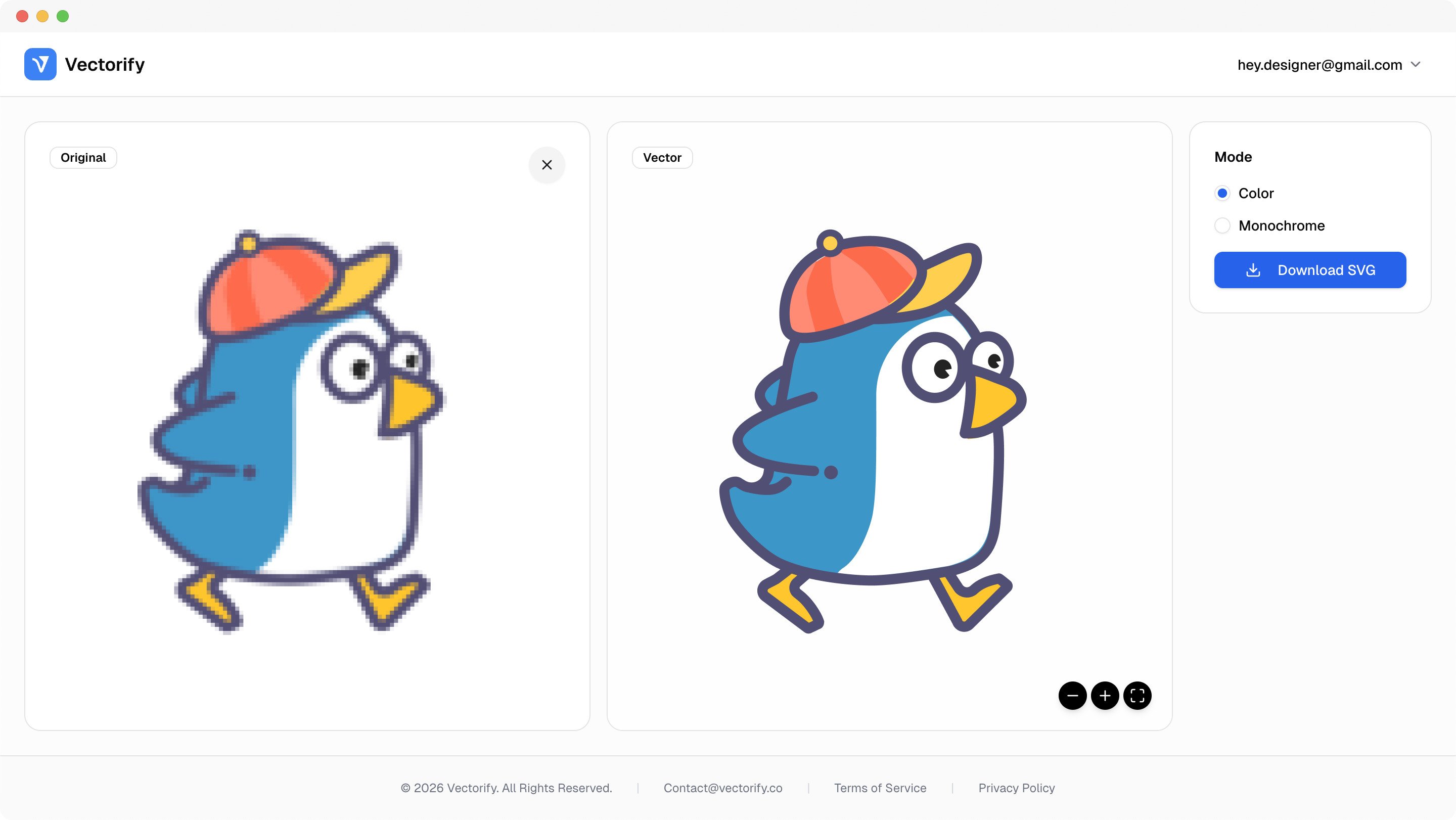
Get production-ready SVGs in three simple steps.
Upload your image file from browser.
Vectorify generates scalable SVG paths for preview.
vectorizing..
Download once you confirm the result.


Alternative research usually comes down to speed, output clarity, and pricing flexibility. This page helps map that decision quickly.
Desktop-heavy workflows can slow fast-turn design requests
It is difficult to validate quality without trying real files
Recurring commitments do not fit occasional conversion needs
Built for clean conversions where vector quality and scalable output matter.
Online vector conversion
One-time SVG export needs
Design handoff and asset cleanup
Pay as you go with one-time credit packs.
$3
5 credits
5 downloads
$6
25 credits
25 downloads
$9
50 credits
50 downloads
Yes. The conversion flow runs online in browser with upload, preview, and SVG download.
Yes. JPG, PNG, WEBP, GIF, and BMP are supported as source formats.
Vectorify uses one-time credit packs. You spend credits on new SVG downloads.
Yes. Exported SVG files remain editable in vector design software.