
01
Upload your image
Upload your source image file.
Convert raster images into vector files quickly. Upload your source image and export SVG once the preview looks right.
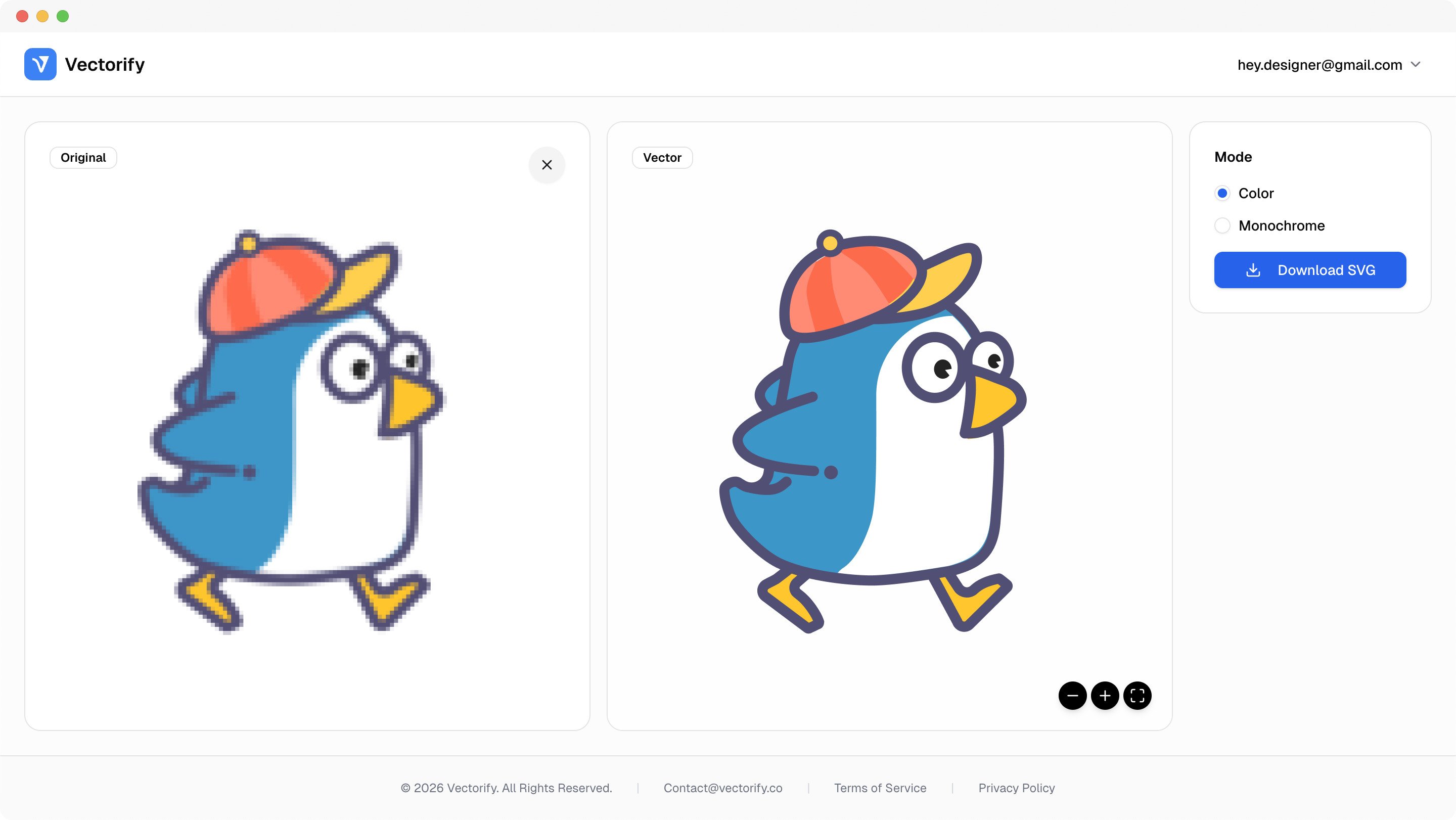
Get production-ready SVGs in three simple steps.
Upload your source image file.
Vectorify converts key visual regions into vector paths.
vectorizing..
Preview the result and download your SVG when ready.


Turning images into vectors is often urgent, but most workflows are too slow for teams shipping visuals daily.
Raster assets break consistency across sizes and channels
Conversion pipelines are too slow for fast marketing cycles
Teams need editable vectors without complex setup
Built for clean conversions where vector quality and scalable output matter.
Brand asset updates
UI illustration scaling
Presentation visuals
Pay as you go with one-time credit packs.
$3
5 credits
5 downloads
$6
25 credits
25 downloads
$9
50 credits
50 downloads
Yes. Screenshots can be converted, though cleaner and less noisy images typically produce better vector paths.
Vectorify exports SVG output so you can scale and edit the file in standard vector editors.
Yes. SVG output works well for responsive web and UI contexts where sharp scaling is required.
You can start by uploading and previewing first. Download flow handles credits and account steps when needed.