
01
Upload your image
Upload your image file from local storage.
Need a fast way to vectorize images online? Upload your file, review the vector preview, and export SVG when it looks right.
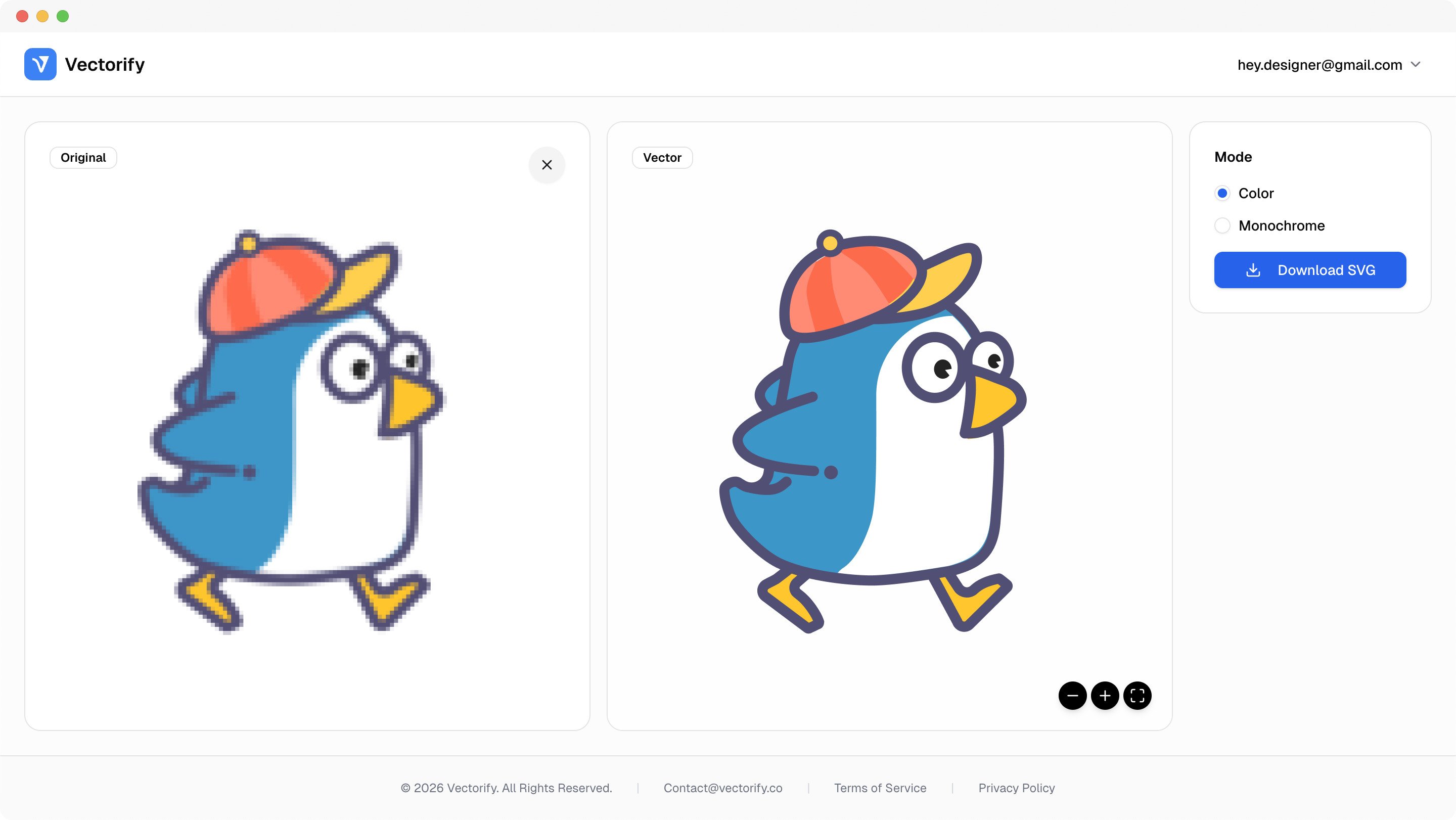
Get production-ready SVGs in three simple steps.
Upload your image file from local storage.
Vectorify analyzes shapes and color regions to generate SVG paths.
vectorizing..
Preview the vectorized result and download when ready.


Most online converters are slow or inconsistent, which makes quick design delivery difficult when quality matters.
Online tools often produce unpredictable output quality
Teams need a faster path from raster file to editable vector
Manual tracing slows down turnaround for simple graphics
Built for clean conversions where vector quality and scalable output matter.
Fast web graphics updates
Logo cleanup
Design handoff prep
Pay as you go with one-time credit packs.
$3
5 credits
5 downloads
$6
25 credits
25 downloads
$9
50 credits
50 downloads
Yes. Vectorify runs fully online, so you can upload, preview, and export SVG directly in your browser.
You can upload PNG, JPG, WEBP, GIF, and BMP files and export the result as SVG.
No. Credits are used only when you download a new SVG output.
Yes. Clear logo-style graphics are among the best cases for clean and scalable vector output.