
01
Upload your image
Upload your source graphic in a supported image format.
Build Silhouette-ready SVG files from PNG or JPG sources with a simple preview-first conversion flow.
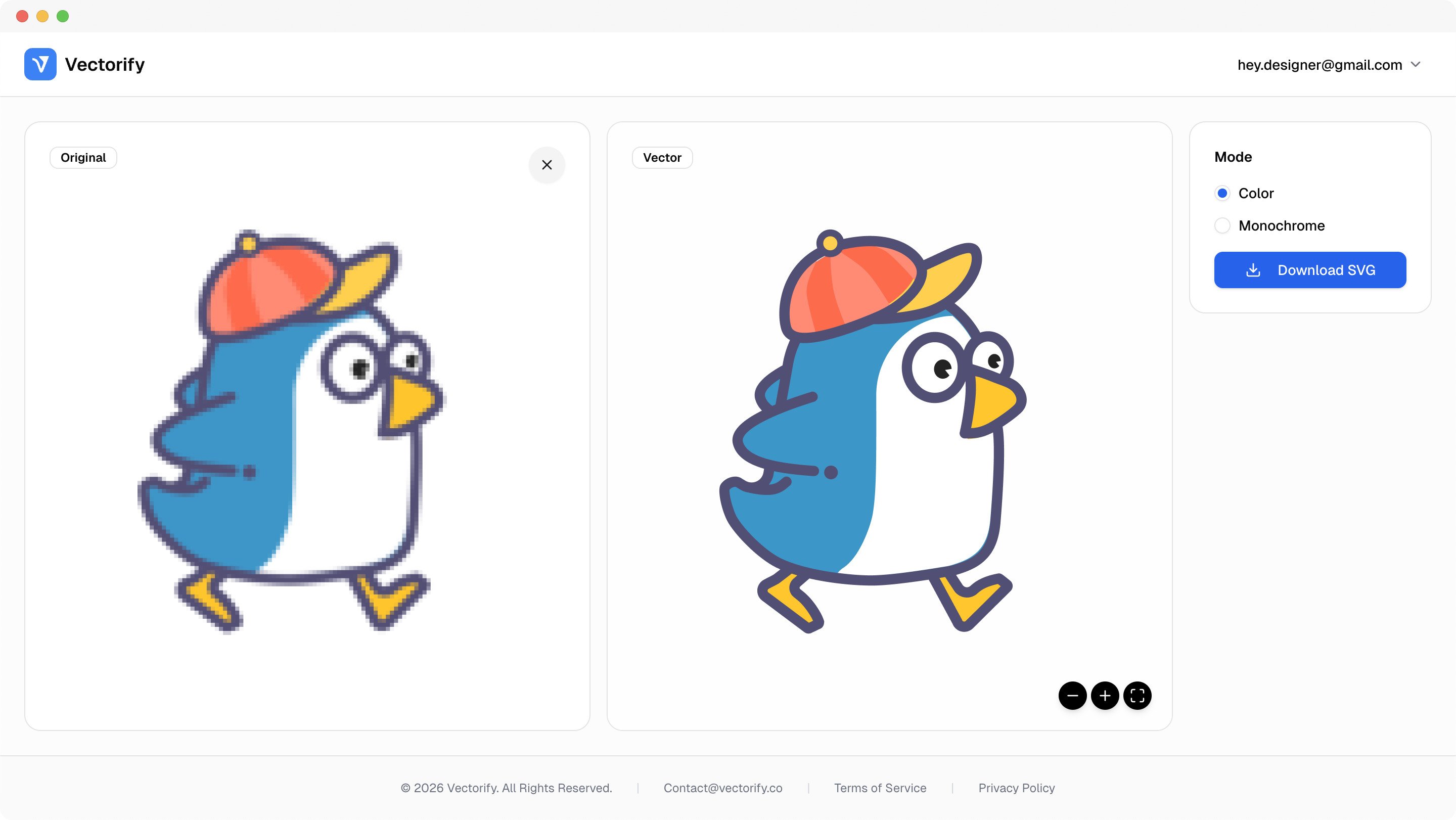
Get production-ready SVGs in three simple steps.
Upload your source graphic in a supported image format.
Vectorify traces the image into editable SVG paths.
vectorizing..
Review the preview and download when your result is ready.


Silhouette project prep gets slow when source files have rough outlines. This workflow helps produce cleaner scalable vectors faster.
Rough source edges create extra cleanup work in project software
Raster files do not scale cleanly across craft layouts
Inconsistent conversion quality between manual tools
Built for clean conversions where vector quality and scalable output matter.
Silhouette Studio projects
Printable craft graphics
Simple icon and label shapes
Pay as you go with one-time credit packs.
$3
5 credits
5 downloads
$6
25 credits
25 downloads
$9
50 credits
50 downloads
Exported files are standard SVG and are suitable for Silhouette workflows that support SVG import.
Both work, but cleaner images with sharper edges usually convert into smoother vector paths.
No. You can preview first and only spend a credit when downloading a new SVG result.
Yes. The output is editable in common vector design tools.